Settings & Integrations
Settings adapt deskmy to your team — personal preferences for every member, workspace configuration for admins, connections to the tools you already use, plus the Vault for files and MyDesk for the apps you live in.
What you can do
- Personalize your account — photo, name, language, notifications, and devices in Account settings.
- Brand the workspace — company name, logo, and appearance in Workspace identity (admins).
- Set access policies — opening hours, guest access, and broadcast options in Workspace access (admins).
- Manage members — invite people, assign roles, and handle pending invites (admins).
- Design the office — create and edit maps and spaces in the map editor (admins).
- Connect tools — calendars, webhooks, and the apps your agents use in Settings → Connections.
- Store files in the Vault — upload, organize, and share files, links, recordings, and artifacts.
- Pin apps to MyDesk — your everyday web tools, one click away inside deskmy.
Your account settings
From Account settings every member controls their own profile: name and photo (how you appear to teammates), password and sign-in options, language, notification preferences, and connected devices. These are personal — they don't affect the workspace.
Workspace settings (admins)
Admins configure the shared environment:
- Workspace identity — name, logo (light and dark), and how the workspace presents itself.
- Opening hours — optionally limit office access to a daily schedule.
- Workspace access — guest broadcast, live broadcast, and the public office link.
- Office maps — the map editor to design floors, spaces, and capacities.
- Members — invites, roles (admin, manager, member), and pending invitations.
Connections
In Settings → Connections you link the tools deskmy talks to:
- Google Calendar / Microsoft Outlook — calendar sync for events.
- Webhooks — let external services post messages into conversations.
- Tools for your agents — connect the apps your AI agents act on, so delegated work can reach your documents, calendars, and services.
The Vault
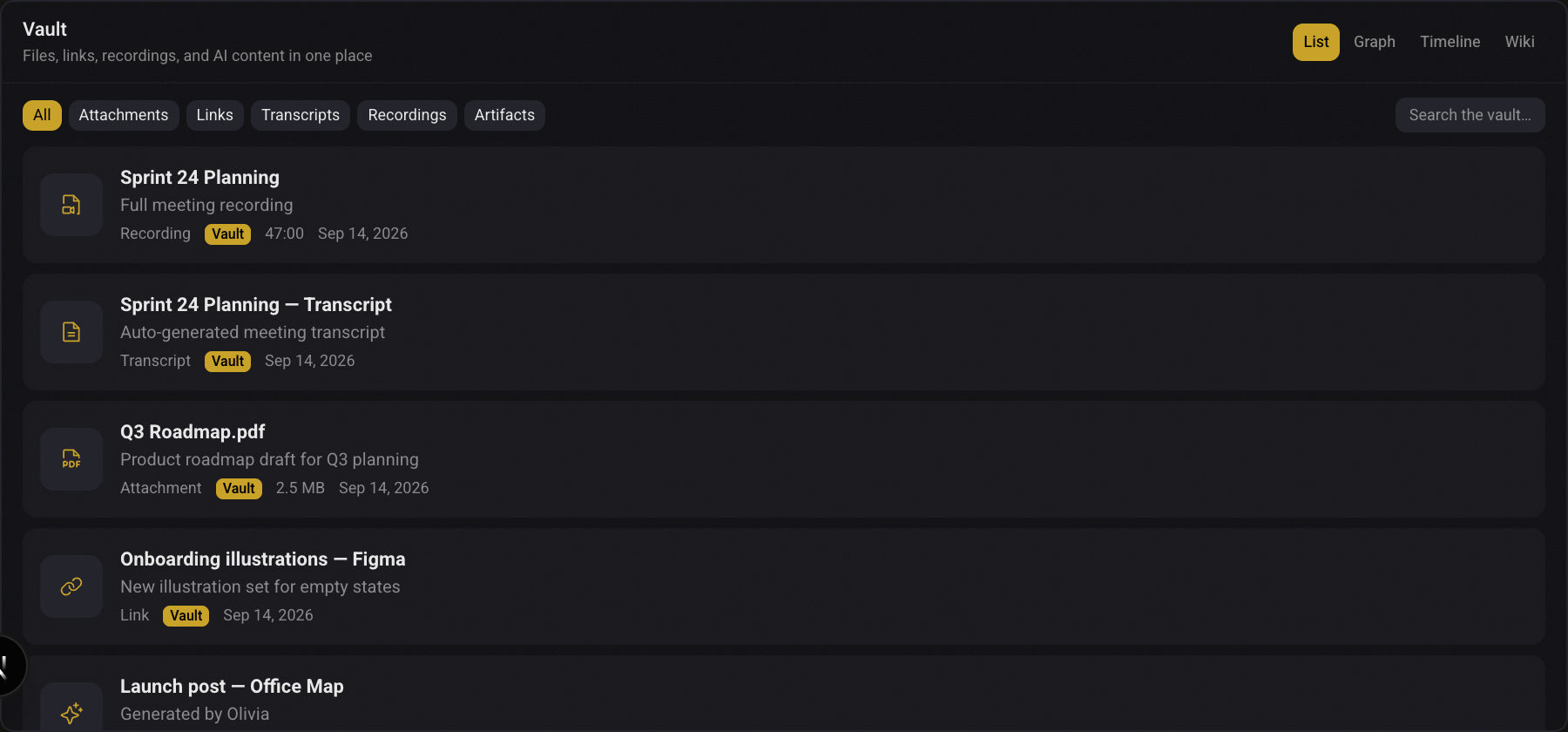
The Vault is your workspace's organized memory — files, links, recordings, transcripts, and artifacts agents produce, filterable by type and collection, searchable in one place.
MyDesk
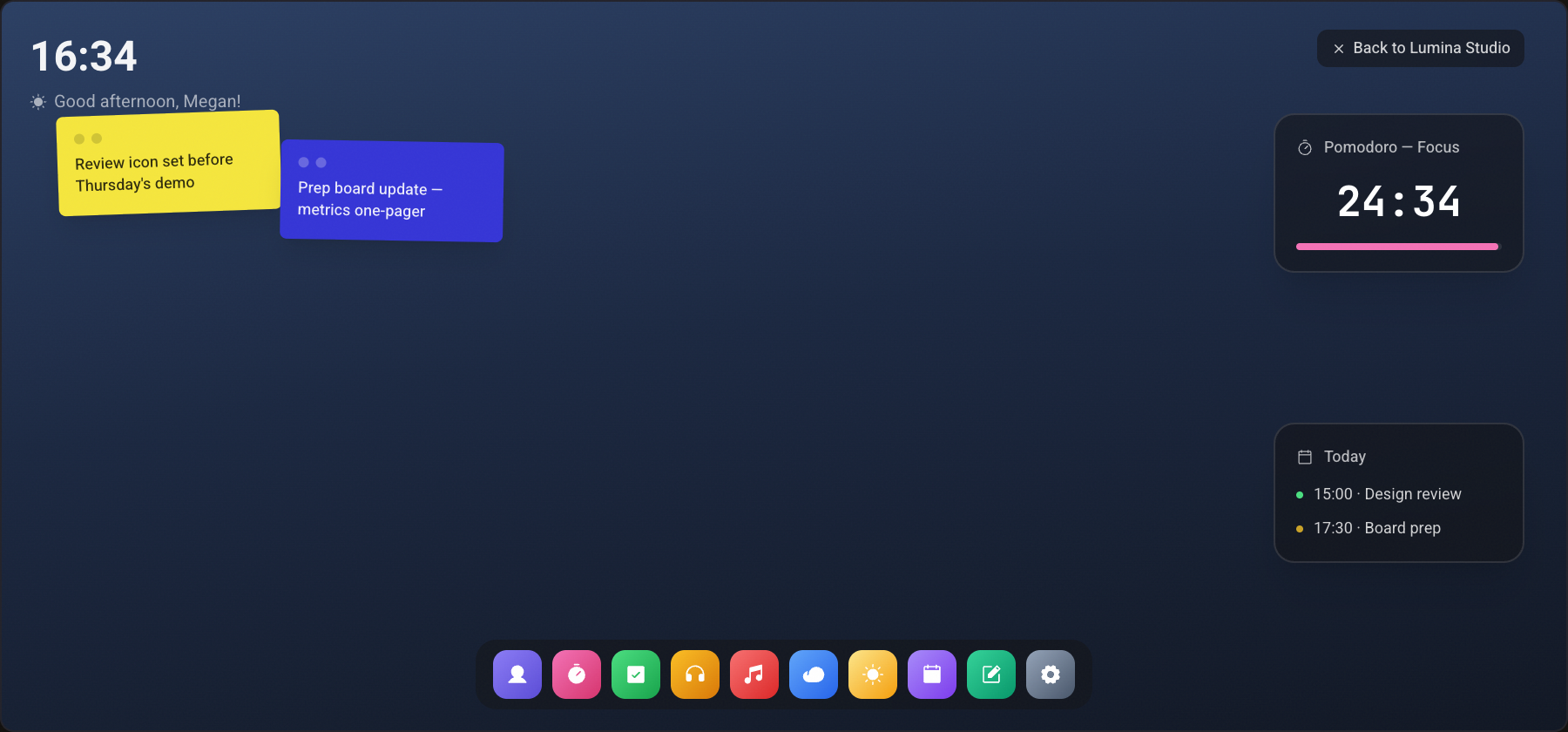
MyDesk is your personal desk inside the office — pin up to a set of your everyday apps and reach them without leaving deskmy. Admins can also add company apps shared with everyone.
Common questions
How do I change the workspace logo? Admins go to Settings → Workspace identity and upload new light/dark logos.
How do I connect Google Calendar? Settings → Connections → find your calendar and sign in — the guided authorization takes seconds.
What's the difference between company and personal apps? Company apps appear for every member; personal apps are private to you on your MyDesk.
Can I remove a webhook? Yes — find it in your integrations list and disable or delete it.
Common use cases
- Make the office yours — branding, map layout, and access policies from one settings surface.
- One place to search everything — files, links, and agent output all land in the Vault.
- Pipe alerts to conversations — a webhook posts notifications from your tools into a team conversation.