Media & Recording
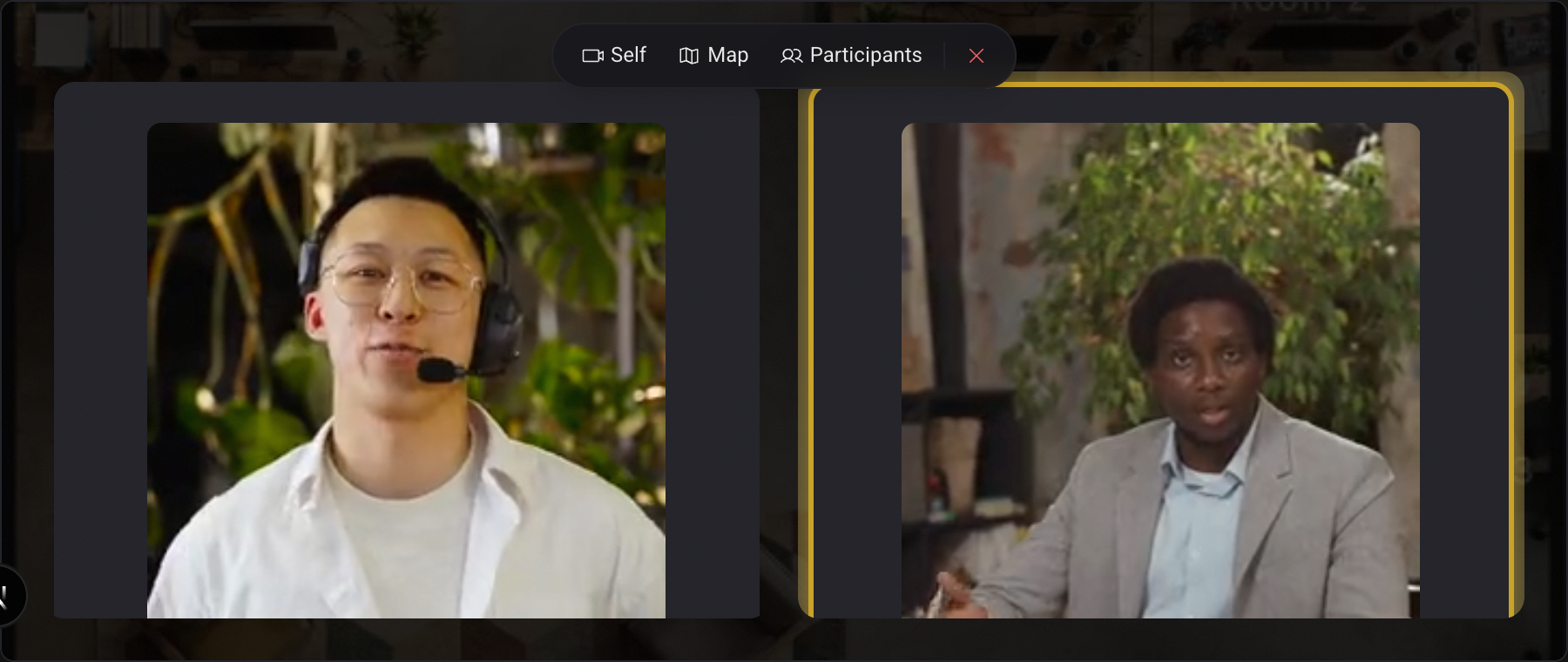
Meetings in deskmy happen right inside spaces — video, audio, and screen sharing without links or external tools. When a session matters, you can record it and get a transcript, so decisions and details are never lost. The desktop app adds local capture for offline or sensitive moments.
What you can do
- Meet face to face — video and audio inside any space; share your screen with one click.
- Record a meeting — capture audio and video while the session runs.
- Get a transcript — recorded meetings produce searchable transcripts with speaker identification.
- Revisit anytime — recordings and transcripts are stored in the Vault and meeting record.
- Record locally — the desktop app can capture meetings on your machine and sync the transcript to your workspace.
Recording a meeting
- In a space or meeting, choose Record.
- Recording captures the session — audio only, or audio and video depending on your settings.
- When the meeting ends, the recording is processed and saved.
Recordings and transcripts are kept in your workspace's media library — admins can browse, download, or delete them, and items also appear in the Vault where they're easy to find later.
Transcription
Once transcription is enabled, recorded audio is converted to text and linked to the meeting record. Transcripts are searchable and can be exported as text files — and they can feed your agents, so a delegated task can summarize "last week's planning meeting" without you lifting a finger.
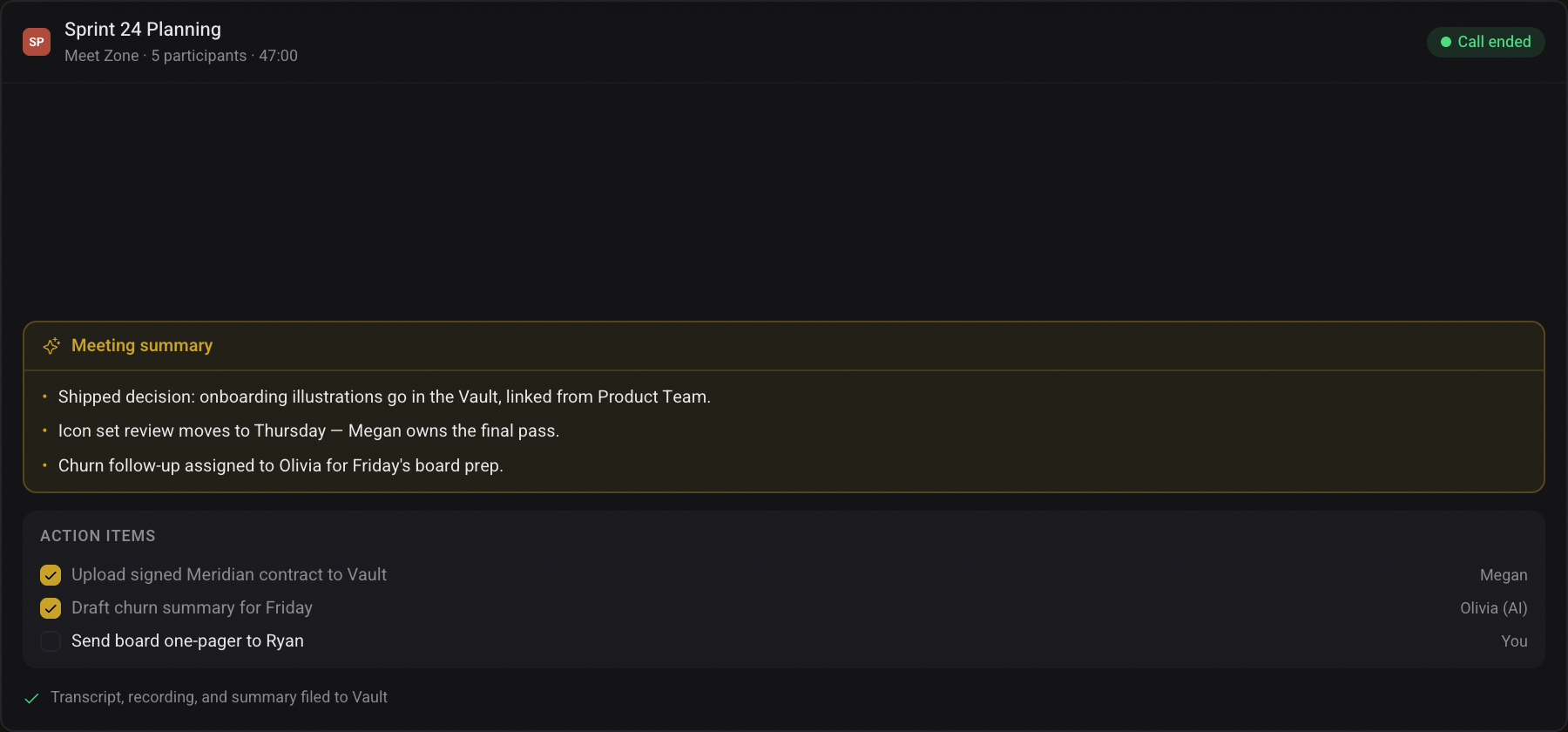
When a recorded meeting ends, deskmy puts together a summary with the key points and action items — and files the transcript, recording, and summary to the Vault automatically.
Common questions
Who can start a recording? Space owners and workspace admins — and on some plans, any participant.
Can I record audio only? Yes — audio-only recording is available and is a good fit when you mainly need the transcript.
How accurate are transcripts? Accuracy depends on audio quality, speaker clarity, and language. Clear audio with distinct speakers gives the best results.
Where do recordings go? To your workspace's media library and the Vault. Storage limits depend on your plan.
Can I export a transcript? Yes — transcripts can be viewed in the app and exported as text.
Common use cases
- Never re-litigate a decision — record sprint planning, then pull the transcript when someone asks "why did we decide X?"
- Async catch-up — a teammate who missed the demo watches the recording and scans the transcript in minutes.
- Feed agents with context — transcripts give agents real meeting material to summarize, search, and build on.